Choosing between Acer and HP matters because your laptop affects how you work, study, and relax every day. Price, speed, build quality, and battery life all change how long a laptop stays useful. Picking the wrong brand can mean slow performance or extra cost.
Acer usually fits you better if you want strong value for the price, while HP makes more sense if you want better build quality and support.
Both brands perform well, but they focus on different priorities. Your needs decide which one works best for you.
This article breaks down how Acer and HP compare in real use. You will see how they differ in performance, design, screens, battery life, and popular models so you can choose with confidence.
Key Takeaways
- Acer focuses on lower prices with solid everyday performance.
- HP emphasizes stronger build quality and premium options.
- The better choice depends on how you plan to use your laptop.
Acer and HP’s best-selling laptops:


Acer vs HP: Key Differences in Brand Approach

When you compare Acer vs HP, you see two brands with different priorities. One leans toward value and wide access. The other focuses on polish, support, and business trust.
Company Histories and Reputation
HP laptops come from a long‑standing U.S. company with deep ties to business, education, and government buyers. You often see HP vs. Acer comparisons highlight HP’s stronger reputation for build quality, long-term support, and enterprise features. HP has competed for decades with other best laptop brands by offering stable designs and broad service options. This brand approach helps if you care about warranty access and consistent model updates.
Acer laptops grew out of Taiwan’s fast-moving electronics market. Acer built its name by delivering solid hardware at lower prices, especially in consumer and gaming segments. Many Acer vs HP reviews note Acer’s strength in value-focused models and aggressive pricing. That focus helped Acer gain global share without positioning itself as a premium-first brand, as discussed in this HP vs Acer brand overview.
Target Users and Product Lines
HP targets a wide range of users, but it puts strong effort into business and professional systems. Lines like EliteBook, ProBook, and Spectre aim at users who want reliability, security features, and cleaner design. If you use your laptop for work every day, HP vs. Acer often favors HP for consistency and support options.
Acer targets budget buyers, students, and gamers who want more power per dollar. Popular lines include Aspire for everyday use, Swift for light travel, and Predator for gaming. In hp vs acer comparisons, Acer often wins on price while keeping competitive performance. That approach appeals if your main goal is value, not premium materials or business tools.
Performance and Hardware Comparison
Performance depends on how well the laptop balances speed, graphics power, and storage. Acer and HP both offer strong options, but they aim at different needs and price points.
Processors and RAM Options
You usually choose between Intel Core i5 and Intel Core i7 CPUs on both brands. An i5 handles schoolwork, browsing, and office apps without trouble. An i7 helps more with heavy multitasking, coding, or video editing.
HP often pairs higher-end CPUs with better cooling and more stable performance in long sessions. Acer focuses on value, so you may get similar specs for less money, especially in mid-range models. This difference shows up clearly in many HP vs Acer laptop comparisons.
Most models start with 8GB of RAM. You should look for 16GB if you run many apps at once. Both brands allow RAM upgrades on select models, but thin designs may limit this.
Graphics Capabilities
Graphics matter if you play games, edit video, or use design software. Both brands offer laptops with NVIDIA GeForce GPUs, but they target different buyers.
HP gaming models, such as those in the Omen line, often push higher-end GPUs with better thermal control. Acer competes strongly with systems like the Predator Helios 300, which delivers solid gaming performance at a lower price. This makes Acer attractive if you want dedicated graphics without paying for premium materials.
If you only need basic graphics, integrated Intel graphics are fine for streaming and office work. Dedicated GPUs cost more and use more power, so you should only pay for them if you need them.
Storage Choices and SSD Upgrades
Both Acer and HP rely on SSD storage for fast boot times and quick app loading. Most entry models ship with 256GB or 512GB SSDs, which works well for daily use.
HP often charges more for larger drives at purchase, but the build quality feels more polished. Acer usually offers better storage value, especially in budget and gaming models.
You should check upgrade options before buying. Some laptops allow easy SSD swaps, while others seal the drive inside. If you plan to keep the laptop for years, upgrade-friendly storage can save you money later.
Design, Build Quality, and Durability
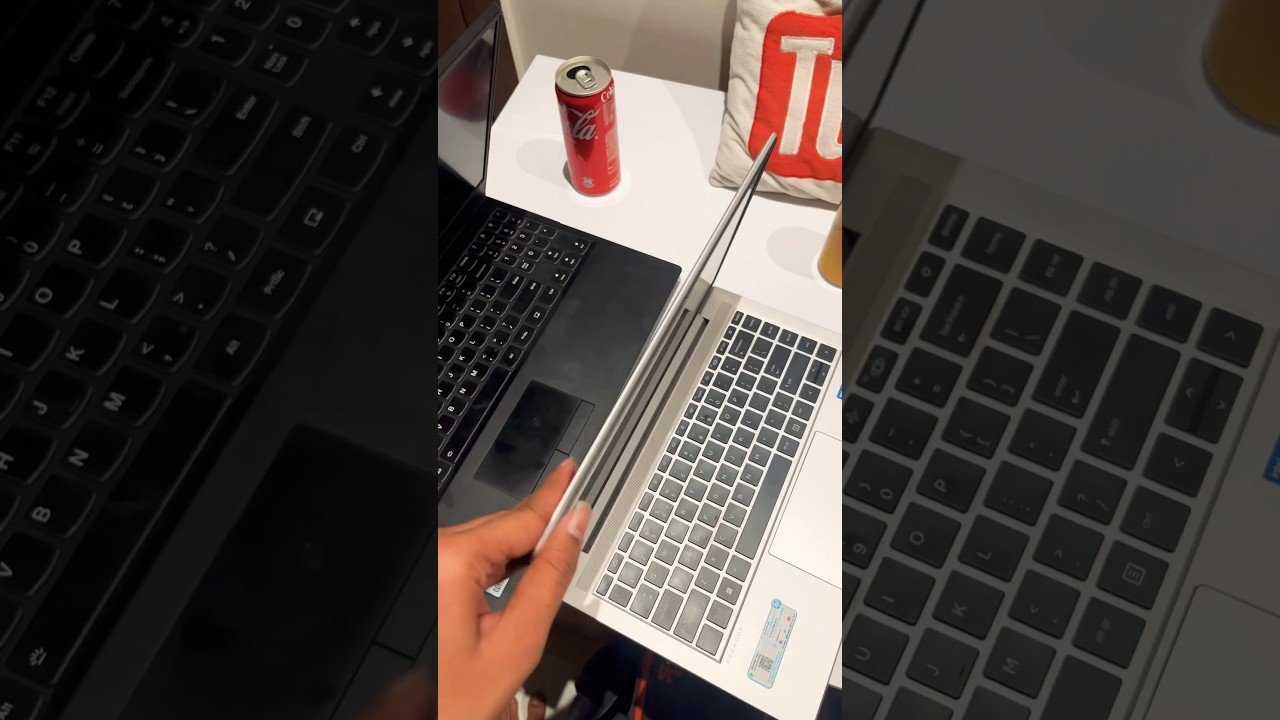
You notice design and build quality every time you open your laptop or carry it in a bag. Acer and HP take different paths here, with clear tradeoffs in materials, strength, and everyday features that affect how long the laptop holds up.
Materials and Chassis Construction
HP leans toward metal builds in its mid and high-end lines. Models like the HP Spectre and HP EliteBook use aluminum or magnesium frames that resist flex and feel solid in your hands. These designs suit people who want durable laptops for daily travel or work use. Independent reviews often rate HP higher for structural strength and long-term wear, especially in business models like the EliteBook, which targets professional users (HP EliteBook design and durability).
Acer focuses more on value. Laptops such as the Acer Swift 3 use lighter aluminum blends or reinforced plastic to reduce cost and weight. This approach keeps systems portable, but they can feel less rigid. Acer has improved fit and finish in recent years, yet HP still feels sturdier across most price ranges.
Keyboard and Security Features
HP puts more effort into keyboard feel and security tools. Many models include a backlit keyboard with firm key travel, which helps during long typing sessions. Business and premium models often add a fingerprint reader or IR camera for quick sign-in. These features come standard on lines like the HP EliteBook and some Spectre models (HP vs Acer laptop features comparison).
Acer includes backlit keyboards on many mid-range systems, including the Swift 3, but key feedback varies by model. Fingerprint readers appear less often and may require higher trims. If secure access and typing comfort matter to you, HP usually offers a more consistent experience.
Display Quality and Visual Experience
You spend hours looking at your laptop screen, so display quality affects comfort, clarity, and daily use. Acer and HP take different approaches to resolution, brightness, and color, especially in popular mid‑range lines.
Screen Resolution and Brightness
Most modern Acer and HP laptops start with a full HD display (1920×1080). You see this often in the Acer Aspire series and the HP Pavilion lineup. Full HD gives you sharp text and enough space for school or office work without draining the battery fast.
Brightness matters if you work near windows or under bright lights. Many Acer Swift models reach higher brightness levels, which helps reduce glare. Some HP models focus more on contrast than raw brightness. Testing comparisons between the HP Pavilion Plus 14 and Acer Swift 14 show clear tradeoffs in brightness and contrast based on panel choice, not brand alone, as noted in this detailed HP Pavilion Plus vs Acer Swift display comparison.
Typical ranges you will see
- Resolution: Full HD on most models
- Brightness: ~300–400 nits on mid-range laptops
- Higher brightness: Common on Acer Swift models
Color Accuracy and Full HD Displays
Color accuracy affects photos, videos, and streaming quality. HP often uses higher-contrast panels, including OLED options on select Pavilion models. OLED screens show deep blacks and strong contrast, which makes movies look cleaner and text stand out.
Acer focuses on balanced color and efficiency. The Acer Aspire series targets everyday users, so colors look natural but not tuned for creative work. Swift models usually improve color accuracy over Aspire but still favor battery life.
If you care about visual quality more than raw specs, model choice matters more than brand. A broader look at strengths and weaknesses across both brands appears in this overview of HP vs Acer laptop display differences.
Battery Life and Everyday Portability
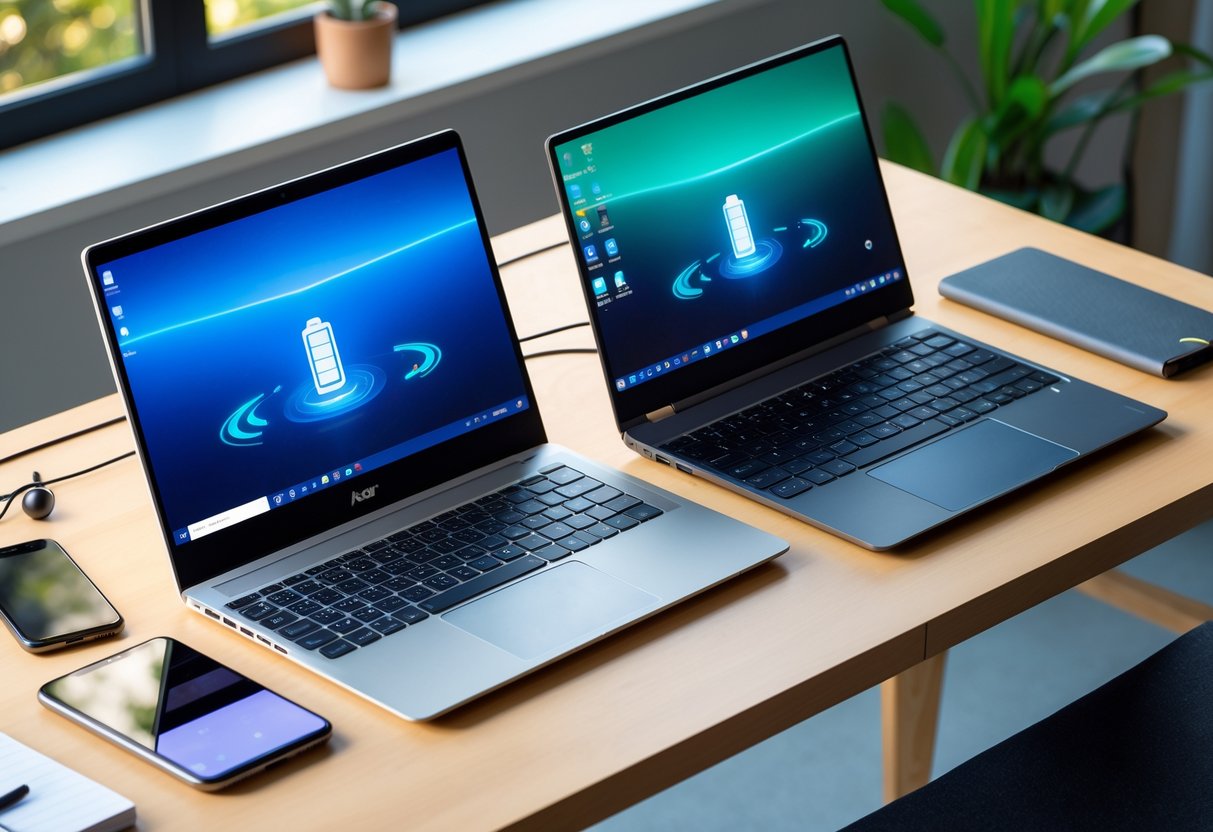
Battery life and portability shape how easy a laptop feels in daily use. Small differences in weight, size, and power draw can matter more than raw specs when you travel, study, or work away from a desk.
Estimated Battery Performance
Battery life varies more by model than by brand, but patterns still show up. Many Acer systems focus on efficiency at lower prices, while HP often pairs performance with tighter power control in midrange and premium lines.
Examples based on common real‑world use:
| Model | Typical Use Time | Notes |
|---|---|---|
| Acer Aspire 5 | ~10–15 hours | Strong endurance for the price |
| HP Envy | ~8–12 hours | Better balance of power and battery |
Testing across HP and Acer laptops shows that lighter workloads like browsing and video favor Acer’s budget models, while HP holds steadier under mixed tasks like multitasking and media work, as noted in this HP vs Acer laptop battery comparison.
Portability for Different Lifestyles
If you move often, weight and size matter as much as battery life. Both brands sell ultrabooks, but they target different needs.
Acer leans toward lighter builds in affordable designs. Models like the Aspire line work well for students and commuters who carry a laptop daily. You trade some build feel for less weight and a lower price.
HP focuses more on structure and finish. The HP Envy series feels sturdier in a backpack and resists flex better over time. That matters if you travel often or use your laptop in tighter spaces like planes or cafés. Both brands stay portable, but HP favors durability while Acer favors ease of carry.
Specific Models and Use Cases
The right choice depends on how you use your laptop and where you want to spend your money. Budget, gaming, work, and simple web use all point to different Acer and HP models.
Best Budget and Student Laptops
If you want budget laptops that handle school and daily tasks, Acer often costs less for similar basics. The Acer Aspire line focuses on affordable laptops with solid keyboards, large screens, and enough speed for browsing, writing, and video calls. Many models stay light and easy to carry.
HP counters with entry-level Pavilion models that feel sturdier and often have better screens. HP also puts more focus on design and build quality, which matters if you move your laptop a lot. A broader brand comparison appears in this HP vs Acer laptop breakdown, which highlights Acer’s value edge for students.
Good fits
- Acer Aspire: lower cost, practical specs
- HP Pavilion: better materials, slightly higher price
Gaming Laptops: Predator vs Omen
For gaming laptops, both brands take different paths. Acer’s Predator and Acer Nitro models target value-first gamers. You often get strong graphics at a lower price, but fans can run louder and cases use more plastic.
HP’s Omen series leans toward better cooling and cleaner design. Omen laptops usually cost more, but they balance performance, screen quality, and build better. This matters if you play long sessions or want a machine that feels less bulky.
| Feature | Acer Predator / Nitro | HP Omen |
|---|---|---|
| Price | Lower | Higher |
| Cooling | Adequate | Strong |
| Build feel | Functional | More refined |
Business and Professional Choices
For business laptops, reliability and comfort matter more than raw power. HP stands out with models like the HP Spectre x360, which offers strong build quality, good battery life, and flexible 2‑in‑1 use. These features help if you travel or work long days.
Acer offers business-friendly options, but they focus more on cost savings. Keyboards and screens may feel less premium, which can matter if you type all day. HP also tends to provide better long-term support options, which matters for work machines you rely on daily.
Choose HP if you care about
- Build quality
- Display comfort
- Long-term use
Chromebooks: Value and Features
If you only need web apps, email, and documents, Chromebooks make sense. An Acer Chromebook usually costs less and works well for students or shared family use. You get simple hardware that runs fast because ChromeOS stays light.
An HP Chromebook often adds a better screen and sturdier hinges. That helps if you use it every day or carry it often. Both brands handle ChromeOS updates well, so your choice comes down to price versus comfort.
Quick comparison
- Acer Chromebook: lowest cost, basic build
- HP Chromebook: better feel, higher price
Final Thoughts
When you ask which is a better laptop Acer or HP, the answer depends on how you plan to use it and how much you want to spend. You learned that both brands cover a wide range of needs, from basic school work to gaming and professional tasks. The key difference comes down to value versus polish.
Acer often fits you better if you want strong specs for less money. Many buyers choose Acer for affordable laptops with solid performance and decent battery life, especially in the budget and mid-range space, as explained in this HP vs Acer laptop comparison. HP tends to make more sense if you care about build quality, design, and long-term support.
Quick decision guide
| What you care about most | Better fit |
|---|---|
| Lower price for daily tasks | Acer |
| Premium feel and durability | HP |
| Budget gaming options | Acer |
| Business use and support | HP |
You also saw that neither brand is perfect in every category. Techwalla’s breakdown of Acer vs HP laptops highlights how model choice matters more than the logo. If you compare specs, build materials, and warranty terms before buying, you avoid common mistakes and get a laptop that actually fits your needs.