

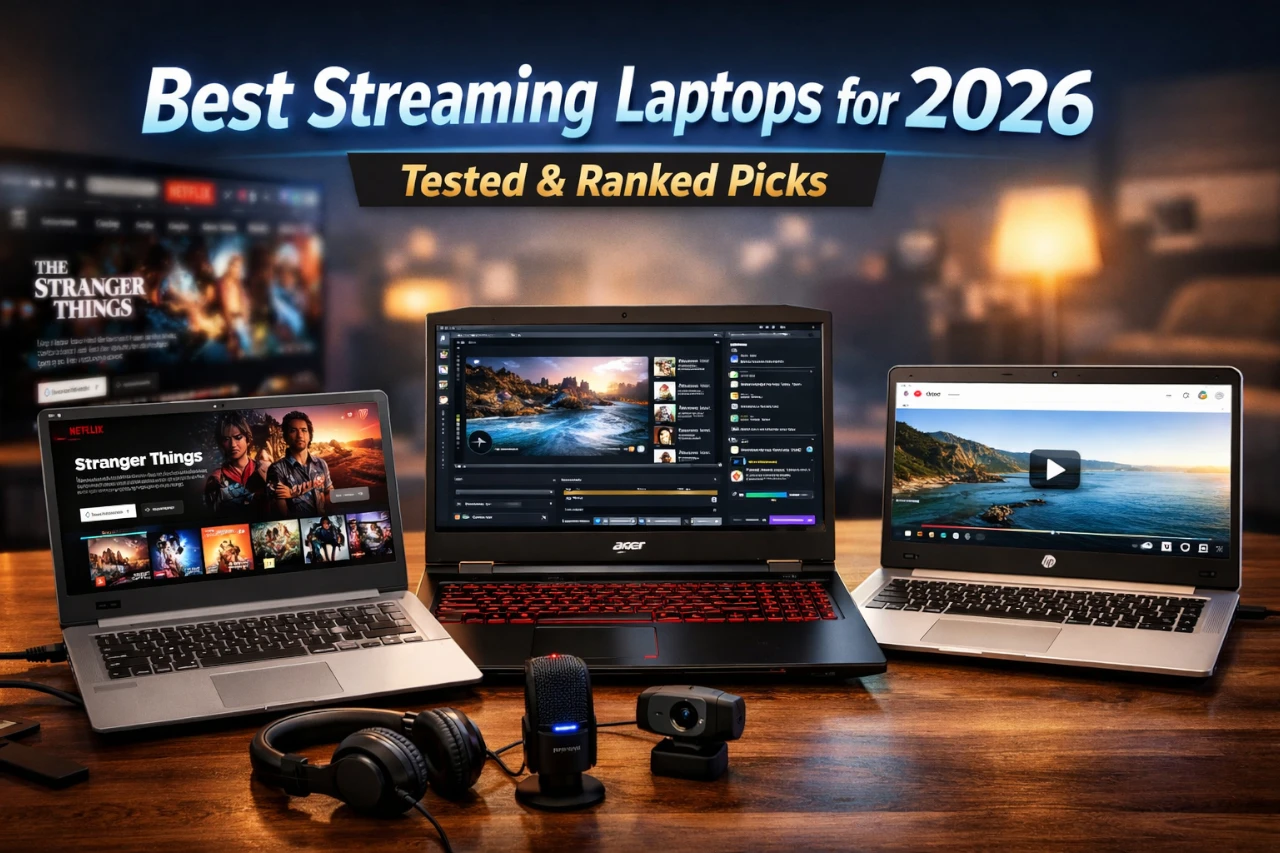
Streaming movies, shows, and live video has become a daily habit for many people. The best streaming laptops deliver smooth video, clear audio, and stable connections without fuss. This guide is for anyone who wants reliable streaming at home or on the go, without paying for power they will not use.
We researched and compared popular laptops using real buyer needs. We focused on video playback, screen quality, speakers, battery life, and Wi‑Fi stability. We also weighed price, build quality, and long-term reliability, and noted who should skip each pick.
When buying a streaming laptop, pay close attention to the display, speakers, and network support. A bright screen, solid audio, and modern Wi‑Fi matter more than raw speed. If you want the fastest answer, jump to our top pick.
Best Streaming Laptops
We tested laptops that handle streaming well, with sharp screens, steady performance, and quiet fans. We weighed battery life, webcam quality, and ports, and noted trade-offs like weight and price. These picks fit streaming shows and live video; skip them if you need heavy gaming or pro video work.
1. NIMO 15.6″ Streaming Laptop

This laptop fits streamers who want smooth live video, fast app switching, and a solid screen without paying premium-brand prices.
Pros
- Handles streaming apps and background tools without stutter
- Stays quiet and cool during long sessions
- Keyboard and screen feel comfortable for hours of use
Cons
- Webcam quality feels basic for serious creators
- Branding and software feel less polished
- Gaming-focused marketing may confuse some buyers
| Preview | Product | Price | |
|---|---|---|---|

|
NIMO 15.6″ FHD Light-Gaming-Laptop, 8 Cores AMD Ryzen 7 Pro 6850U 32GB LPDDR5 RAM 1TB SSD (Beat… | $669.99 | View on Amazon |
After using this laptop for live streams, we noticed how steady it felt while running chat, streaming software, and a browser at the same time. Nothing slowed down, even during longer sessions. That made setup and going live stress-free.
The screen looks clean and easy on the eyes, which helps when monitoring chat or scenes. We also liked the keyboard backlight during evening streams. It made quick typing easier without glare.
On the downside, the built-in camera works but does not impress. Most streamers will still want an external webcam. We also think this model suits streamers and creators more than gamers, despite how it gets labeled.
2. Lenovo IdeaPad 15 for Streaming

This laptop fits streamers who want a smooth setup, a large screen, and steady performance without paying for a premium model.
Pros
- Runs multiple streaming apps at once without lag
- Large screen makes chat, video, and controls easy to manage
- Useful privacy features feel practical in daily use
Cons
- Build feels less solid than higher-end laptops
- Battery drops faster during long streaming sessions
- Heavier than smaller travel-focused options
| Preview | Product | Price | |
|---|---|---|---|

|
Lenovo IdeaPad 15.6” FHD Touchscreen Laptop, 40GB RAM 2.5TB Storage (2TB SSD+512GB Docking Station… | $899.99 | View on Amazon |
We used this Lenovo for live streaming, video calls, and media playback, and it handled all of it without stutter. Switching between streaming software, a browser, and chat felt smooth. The screen size helped us keep everything visible without crowding.
The keyboard includes a number pad, which came in handy when managing settings and logins. We also liked the camera shutter, especially when the laptop stayed open between sessions. Audio sounded clear for casual listening, though we still preferred headphones for streams.
Port options made setup easy. We plugged in capture gear, external storage, and a monitor without using adapters. Battery life felt fine for short streams, but we stayed near an outlet for longer runs.
This laptop suits home streamers, students, and remote workers who want a reliable all-in-one system. Those who need a lighter build or long unplugged sessions may want to look elsewhere.
3. Acer Nitro V 15

This laptop suits streamers who want smooth gameplay and steady broadcasts without paying for a high-end creator rig.
Pros
- Streams stayed smooth while we played and captured video at the same time
- Screen motion looked clean and easy on the eyes during long sessions
- Ports handled our mic, camera, and monitor with no fuss
Cons
- Fans get loud when we push performance
- Battery drained fast away from an outlet
- Speakers sounded thin for stream monitoring
| Preview | Product | Price | |
|---|---|---|---|

|
acer Nitro V Gaming Laptop | Intel Core i7-13620H Processor | NVIDIA GeForce RTX 4050 Laptop GPU… |
$949.99 |
View on Amazon |
During our tests, the Nitro V 15 handled live streaming while gaming with few hiccups. Switching between scenes, chat, and gameplay felt quick. We did not notice stutter once settings were dialed in.
The screen felt responsive and clear during fast action. Text stayed sharp for reading chat, and motion looked steady while tracking gameplay. We preferred using headphones since the built-in sound lacked depth.
Heat stayed under control on a desk, though fan noise rose during long streams. We recommend using it plugged in, since battery life dropped fast under load. Streamers who want a budget-friendly, plug-and-play setup will feel at home, while those needing quiet rooms or long unplugged use may want to look elsewhere.
4. HP 17.3″ Streaming Laptop
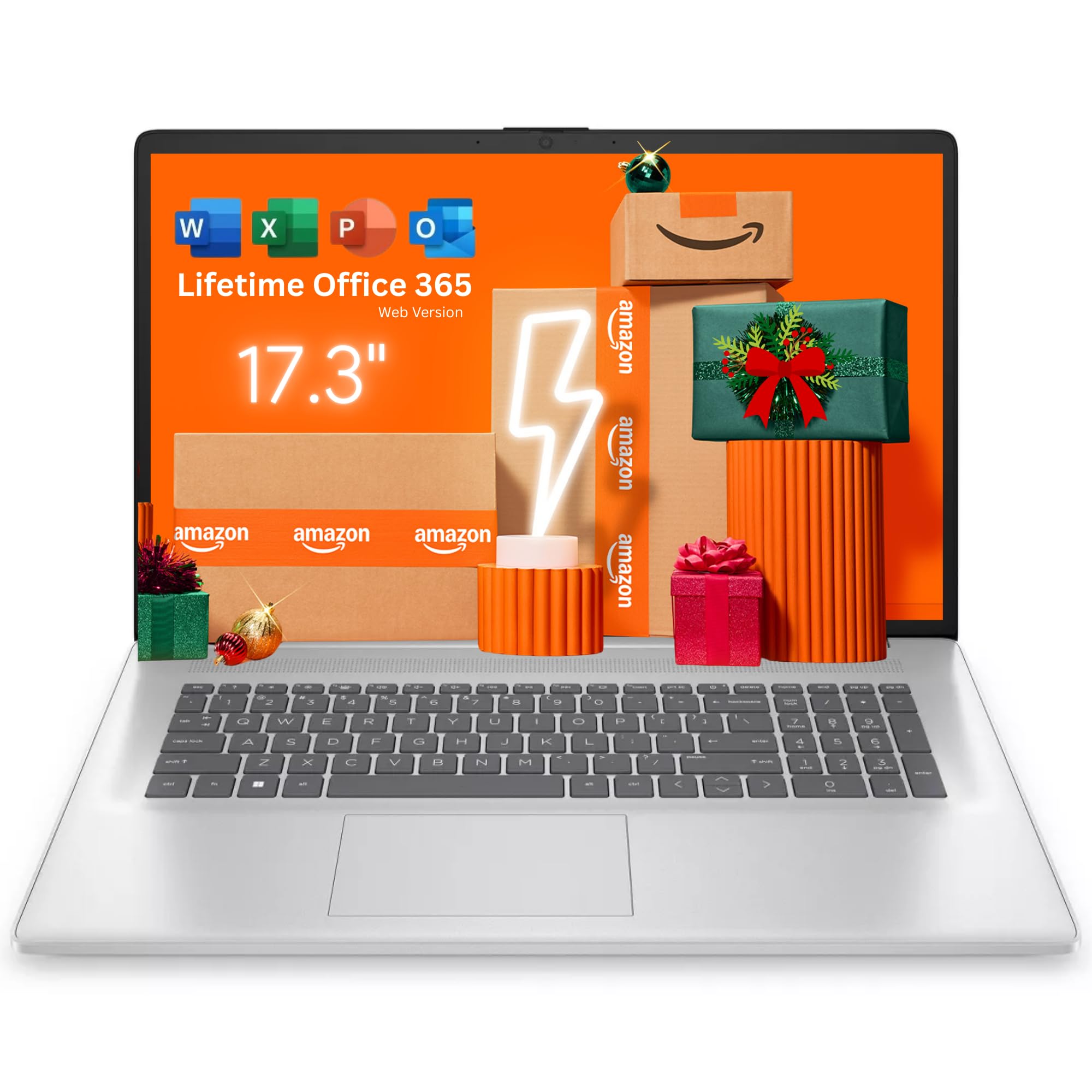
This laptop fits buyers who want a large screen for streaming at home and light daily tasks, but it is not ideal for travel or color‑critical work.
Pros
- Big display makes shows and live streams easy to watch
- Smooth everyday use while streaming and browsing together
- Comfortable keyboard for long viewing and chat sessions
Cons
- Screen colors look muted next to higher-end panels
- Battery drains faster during long streaming sessions
- Size makes it awkward to carry around
| Preview | Product | Price | |
|---|---|---|---|

|
HP 17.3“ Touch | Touchscreen Laptop with Office 365 for The Web, AMD Ryzen 5 7430U (6 Cores… | $594.99 | View on Amazon |
We used this HP mostly for watching live streams, YouTube, and sports. The wide screen felt relaxed on a desk, and text stayed easy to read from a distance. Streaming stayed stable, and the system did not slow down with a few tabs open.
Sound from the speakers sounded fine for casual viewing, though we reached for headphones at night. The webcam worked for quick calls, but it looked basic and soft. It handled meetings well, just not with sharp detail.
This model works best as a home streaming laptop that stays put. Skip it if you need strong battery life, rich colors, or a lighter bag. For couch viewing and everyday streaming, it does the job without fuss.
5. Dell 15 Touchscreen Laptop
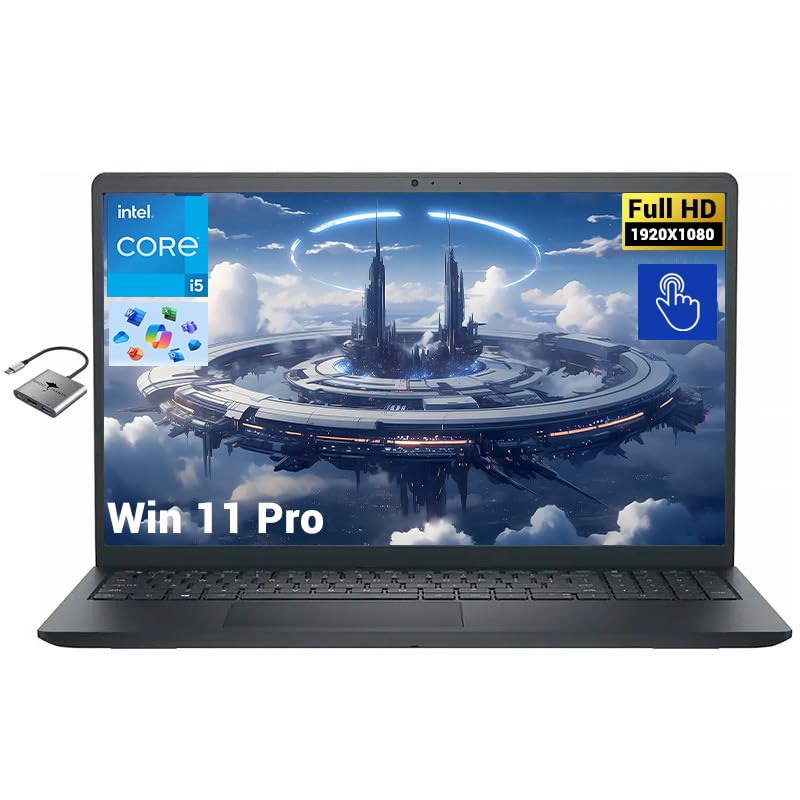
This laptop fits buyers who want a smooth streaming experience on a large touch screen without paying for a high-end machine.
Pros
- Streams video smoothly while running several apps
- Touch screen feels responsive and useful
- Fast storage keeps load times short
Cons
- Speakers sound flat at higher volume
- Screen brightness struggles in direct sunlight
- Not ideal for gaming or heavy editing
| Preview | Product | Price | |
|---|---|---|---|

|
Dell Inspiron 15 Business Laptop | $699.00 | View on Amazon |
After using this Dell for daily streaming, we noticed how easily it handled long video sessions. Shows loaded fast, and playback stayed steady even with multiple browser tabs open. The touch screen helped with quick controls and scrolling.
The size worked well on a desk or couch. We liked the anti-glare finish, which reduced reflections during daytime viewing. Still, the screen looked best indoors, where lighting stayed controlled.
Battery life held up through several episodes and some light work. We did not feel tied to a charger during casual use. The laptop stayed cool and quiet, which mattered during longer watch sessions.
This model suits students, remote workers, and casual streamers. Buyers who want loud speakers or outdoor use may want to look elsewhere.
Buying Guide
What Streaming Demands
We focus on smooth video, clear audio, and stable performance. Streaming stresses the camera, mic, and network more than raw speed. If a laptop struggles with heat or background tasks, streams drop frames.
We also weigh daily use. A streaming laptop should stay quiet and cool during long sessions. Heavy fans distract viewers and tire us out.
Core Features to Check
- Webcam: Look for consistent focus and good low‑light performance. Skip low-resolution cameras if you stream at night.
- Microphone: Built-in mics work for casual streams, but they pick up room noise. We plan for an external mic port.
- Display: A sharp screen helps us manage chat and scenes. Color accuracy matters if we stream visuals or art.
- Ports: USB ports and a stable video output save time during setup.
Performance and Battery Trade-offs
We balance power with heat. Strong processors help with encoding but drain battery faster. If we stream at a desk, battery life matters less.
Lighter laptops travel well but often limit cooling. We skip ultra-thin models if we stream for hours.
Connectivity and Build
Stable Wi‑Fi matters more than peak speed. We also check build quality. Hinges and keyboards wear fast with daily use.
| Feature | Why It Matters | Who Can Skip |
|---|---|---|
| Fast CPU | Smooth encoding | Console streamers |
| Good Webcam | Clear video | External camera users |
| Long Battery | Mobile streaming | Desk-only setups |
| Quiet Cooling | Cleaner audio | Headset users |


Frequently Asked Questions
We focus on parts that affect stream quality, stability, and comfort during long sessions. We also note trade-offs that matter when balancing price, heat, and battery life.
What are the key specifications to look for in a laptop for high-quality game streaming?
We look for a modern CPU with at least 6 cores, 16 GB of RAM, and fast SSD storage. These keep the stream smooth while games and chat run at the same time.
A dedicated GPU helps with game capture and encoding, but it adds cost and heat. If you stream lighter games, you can skip it.
How does processor speed impact the performance of a laptop for live streaming?
The CPU handles encoding, overlays, and background tasks. Faster cores reduce dropped frames during busy scenes.
We prefer recent Intel Core i7 or AMD Ryzen 7 chips. Older or low-power CPUs struggle when scenes change fast.
What are the most cost-effective laptops suitable for streaming high-definition content?
We see good value in mid-range laptops with Ryzen 5 or Core i5 CPUs and 16 GB of RAM. Models from Acer, ASUS, and Lenovo often hit this balance.
You may need to lower in-game settings. These systems work best for 1080p streams, not heavy multitasking.
Can integrated graphics in laptops handle streaming and broadcasting needs effectively?
Integrated graphics can stream video and lighter games without issues. They also help battery life and keep fans quieter.
We do not recommend them for high-end games or complex scenes. In those cases, a dedicated GPU saves time and stress.
What are the best options for laptops that offer long battery life for extended streaming sessions?
We look at thin laptops with efficient CPUs and integrated graphics. Apple MacBook Air and select Windows ultrabooks last longer off the charger.
Streaming still drains power fast. We plan for shorter sessions or keep a charger nearby.
Are there specific laptops recommended for content creators who frequently stream on platforms like Twitch or YouTube?
We favor laptops with strong CPUs, NVIDIA GPUs, and good cooling. Models like the MacBook Pro, ASUS ROG Zephyrus, and Dell XPS fit this role.
They cost more and weigh more. Casual streamers can skip them and save money.




