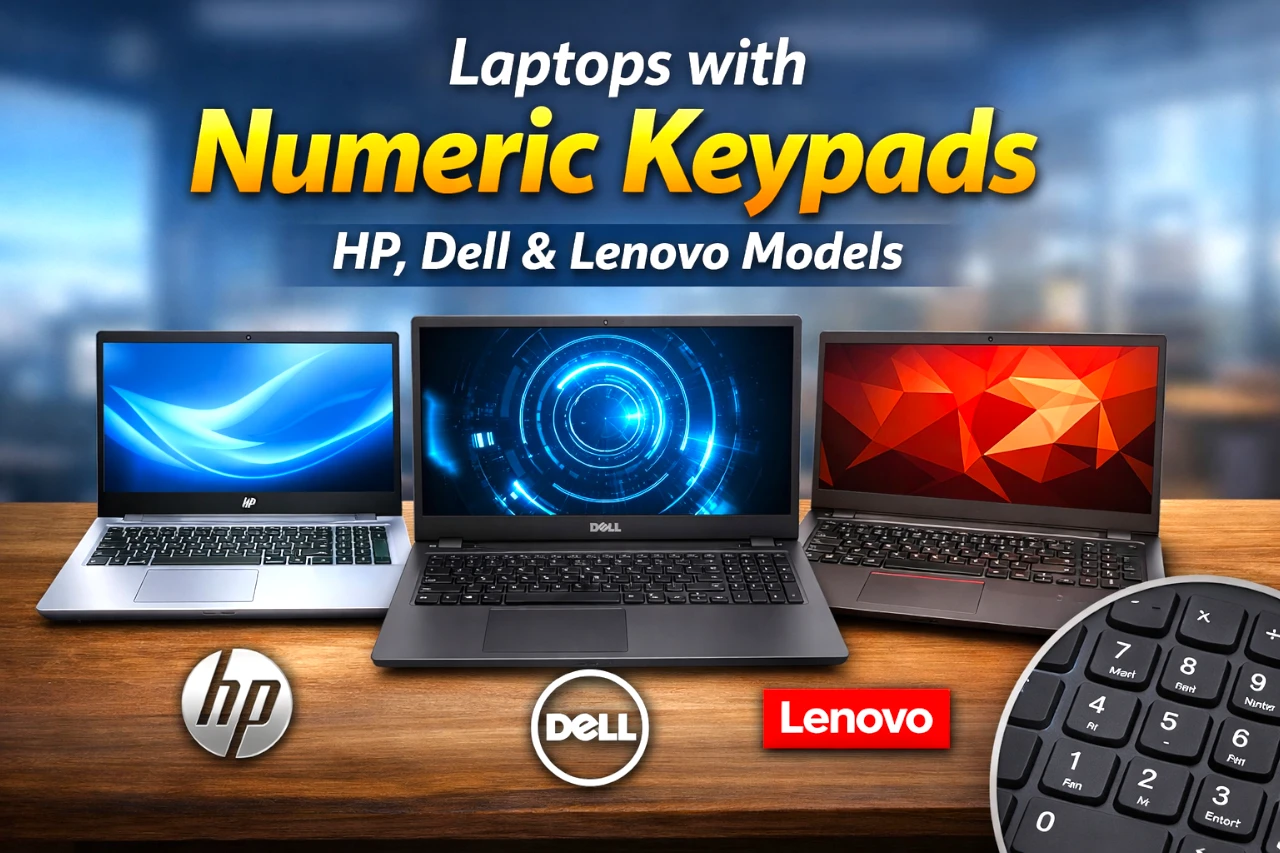
If you do spreadsheets, accounting, data entry, or even frequent calculator work, a built-in 10-key numeric keypad can be the difference between “fine” and “frictionless.” The good news: you don’t need a niche model—many mainstream 15–17″ laptops from HP, Dell, and Lenovo still include a proper number pad.
Below is a practical, brand-sorted list of laptop lines that explicitly include numeric keypads in their official specs—plus a quick checklist to confirm the exact configuration you’re buying.
Key takeaways
- Most 15.6″ and larger laptops are the safest bet for a full 10-key layout—but always confirm on the spec sheet.
- Business lines often keep numeric keypads more consistently than ultra-thin consumer models.
- “Embedded” number pads (using letter keys) are not the same as a true dedicated 10-key.
- If you love 14″ portability, budget for an external USB/Bluetooth numpad instead.
What “numeric keypad” really means
A true numeric keypad is the dedicated 10-key block on the right side (with NumLock, 0–9, +, −, Enter, etc.). It’s different from:
- Embedded numpad: numbers mapped onto letter keys (you toggle with Fn/NumLock).
- Touchpad numpad: a numpad that appears on the touchpad (rare, and not everyone likes it).
When brands say “full-size keyboard with numeric keypad” or “10-key numeric keypad,” that’s what you want.
Quick comparison table
| Brand | Laptop line | Category | Typical screen class | Numpad called out? |
|---|---|---|---|---|
| HP | Pavilion 15 | Mainstream | 15.6″ | Yes |
| HP | HP Laptop 17 | Big-screen value | 17.3″ | Yes |
| HP | ProBook 450 G10 | Business | 15.6″ | Yes |
| HP | Victus 15 | Gaming/value | 15.6″ | Yes |
| Dell | Inspiron 15 3530 | Mainstream | 15.6″ | Yes |
| Dell | Vostro 3530 | Small business | 15.6″ | Yes |
| Dell | Precision 3591 | Workstation | 15.6″ | Yes |
| Lenovo | IdeaPad 3 (15″) | Entry-level | 15.6″ | Yes |
| Lenovo | IdeaPad 1 (15) | Budget | 15.6″ | Yes |
| Lenovo | ThinkPad E15 | Business | 15.6″ | Yes |
| Lenovo | ThinkBook 15 | SMB/prosumer | 15.6″ | Yes |
| Lenovo | Lenovo V15 (PSREF) | Business value | 15.6″ | Yes |
| Lenovo | ThinkBook 16 Gen 7 | SMB/prosumer | 16″ | Yes |
HP laptops with numeric keypads
HP Pavilion 15 (15-eh3000 series and related Pavilion 15 configs)

A very common “do-everything” 15.6″ line. HP’s Pavilion 15 spec sheets list a full-sized keyboard with numeric keypad.
Best for: home office, school, light creator work.
Watch-outs: Pavilion configurations vary a lot—confirm CPU/RAM/SSD and screen quality (brightness/color) per SKU.
HP Laptop 17 (17-c3000 / 17-cp3000 series)

If you want a big screen and a built-in numpad, HP’s 17.3″ consumer line explicitly lists a full-size keyboard with numeric keypad.
Best for: spreadsheets, bigger text, less squinting.
Watch-outs: larger chassis = less travel-friendly.
HP ProBook 450 G10

A business-oriented 15.6″ option; HP’s own documentation calls out a full-size keyboard with numeric keypad.
Best for: office work, durability, “IT-friendly” deployments.
Watch-outs: business laptops can be pricey depending on security/warranty bundles.
Victus by HP 15 (15-fa series)

A gaming/value line where HP’s specs include full-size, backlit with numeric keypad.
Best for: light-to-mid gaming plus school/work.
Watch-outs: gaming laptops tend to run warmer and louder under load.
Dell laptops with numeric keypads
Dell Inspiron 15 3530
Dell’s tech specs for the Inspiron 15 3530 list a full-size keyboard with numeric keypad (with backlit options depending on config).
Best for: everyday productivity on a budget.
Watch-outs: Inspiron configs range from basic to surprisingly strong—buy the configuration, not just the name.
Dell Vostro 3530
A small-business alternative; Dell’s product page lists keyboard options with 10-key numeric keypad.
Best for: small business users who want simple and serviceable.
Watch-outs: Vostro availability and configurations can be region-dependent.
Dell Precision 3591 (mobile workstation)

If you need a numeric keypad and workstation positioning, Precision 3591 explicitly offers keyboards with numeric keypad.
Best for: pro workloads that may need workstation drivers/options.
Watch-outs: weight/cost can climb fast with pro configs.
Lenovo laptops with numeric keypads
Lenovo IdeaPad 3 (15″, AMD)

Lenovo’s own product page calls out a convenient numeric keypad on this 15″ entry-level family.
Best for: students and basic productivity.
Watch-outs: displays and build can be “good enough,” not premium.
Lenovo IdeaPad 1 (15ALC7 and similar 15″ IdeaPad 1 models)

Lenovo PSREF documentation lists a keyboard with numeric keypad.
Best for: low-cost basics with a full keyboard layout.
Watch-outs: performance is highly configuration-dependent; avoid very low-end CPUs if you multitask heavily.
Lenovo ThinkPad E15

Lenovo explicitly describes a full-sized keyboard with number pad on ThinkPad E15.
Best for: business users who value keyboard feel and practical ports.
Watch-outs: ThinkPad E series is value-focused—don’t assume it matches X1/T-series premium builds.
Lenovo ThinkBook 15

Lenovo’s ThinkBook 15 page calls out a number pad on keyboard.
Best for: SMB owners and “work + personal” users.
Watch-outs: trackpad placement can feel slightly left-shifted (common on numpad laptops).
Lenovo V15 (PSREF-documented configs)

Lenovo’s PSREF spec sheet lists a keyboard with numeric keypad for V15 variants.
Best for: business-value buyers and bulk purchasing.
Watch-outs: model naming is confusing—use PSREF/spec sheets to confirm details.
ThinkBook 16 Gen 7

Lenovo’s product page explicitly highlights a numeric pad as part of the keyboard experience.
Best for: people who want more screen without jumping to 17″.
Watch-outs: 16″ can still be a “bag laptop,” not a “couch laptop.”
How to confirm your exact laptop has a numpad
Before you buy, do at least one of these:
- Check the official spec sheet for the phrase “numeric keypad,” “number pad,” or “10-key.” (Examples above show how brands phrase it.)
- Zoom in on keyboard photos: you should see a dedicated 0 key, NumLock, and a separate Enter key in the numpad block.
- Don’t rely on screen size alone: many 15.6″ models have it, but not all. Some designs prioritize centered typing/trackpad symmetry.
If the keys don’t type numbers, it’s usually just NumLock (or an OS setting). Lenovo and HP both publish help docs around enabling/using the numeric keypad.
Common mistakes
- Assuming every 15″ laptop has a numpad. Always confirm—manufacturers do make exceptions.
- Confusing embedded numpads with dedicated numpads. If it’s “Fn + something,” it’s not a true 10-key.
- Buying a great laptop line, bad SKU. The same model name can ship with very different CPUs, RAM, SSD sizes, and screens.
- Ignoring ergonomics. Numpad laptops can shift the touchpad left, which some people notice immediately.
Practical tips
- If you do heavy data entry, enable NumLock at startup (BIOS/UEFI options vary by brand).
- Consider a compact external numpad if you prefer a 13–14″ laptop—best of both worlds.
- If you use Excel a lot, learn a few numpad-friendly shortcuts (Alt codes, quick arithmetic in cells, etc.). Small habit, big payoff.
Final thoughts
A built-in numeric keypad is one of those features that feels optional—until you have it, then you don’t want to go back.
The HP, Dell, and Lenovo lines above are reliable starting points because they explicitly list a 10-key or numeric keypad in official documentation.
Use the verification checklist before checkout, and you’ll avoid the most common “wait…where’s my numpad?” mistake.

![Best OLED Laptop Choices for [year]: What to Buy for Work, School, and Gaming](https://www.featurelens.com/wp-content/uploads/2024/12/Best-OLED-Laptop-Buying-Guide-300x200.webp)