

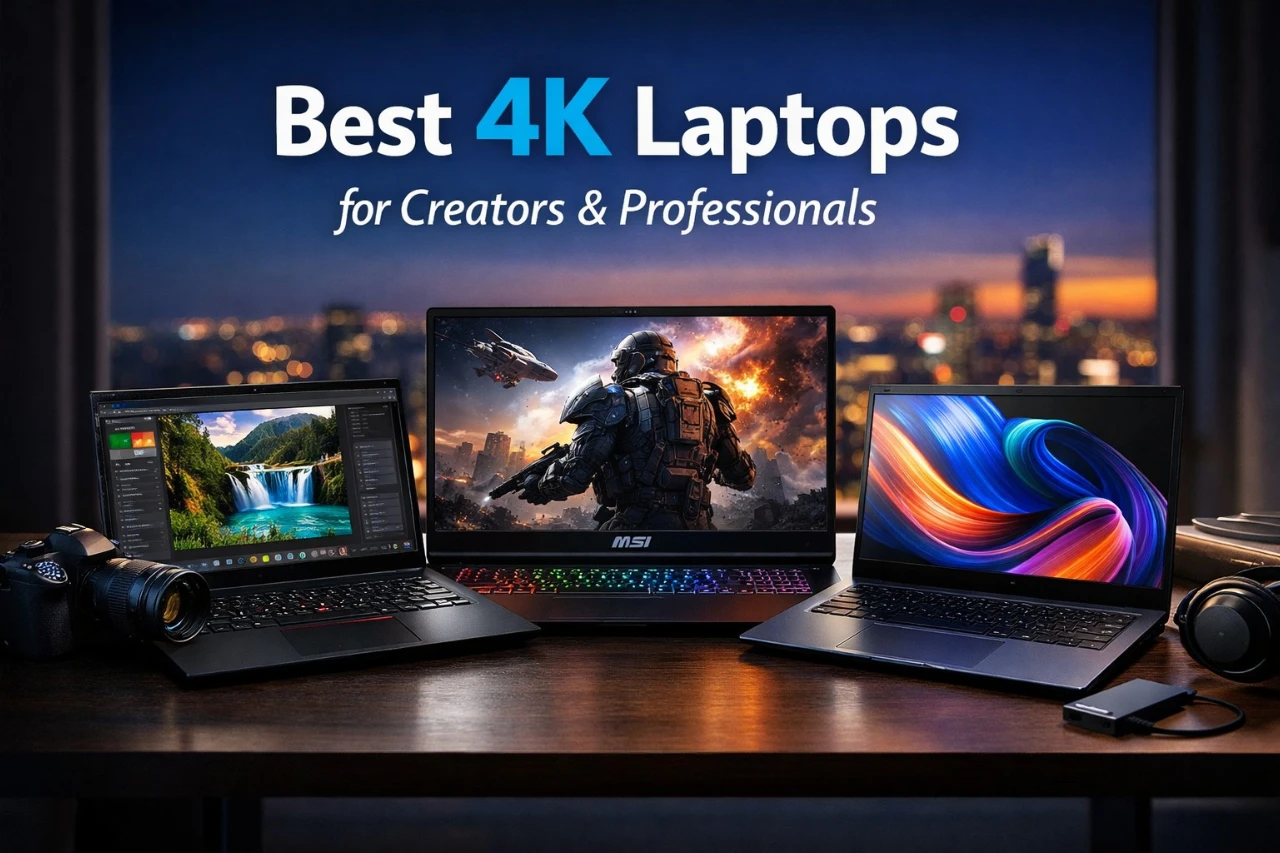
A 4K laptop packs four times the resolution of Full HD into a portable computer. That means sharper text, clearer photos, and more detailed video. For people who edit photos, stream movies, design graphics, or just want a crisp display, a 4K screen can make everyday tasks look better and feel more precise.
But a high-resolution screen is only part of the picture. A 4K laptop needs enough processing power and graphics performance to run smoothly, and it must balance battery life, heat, and weight. The best 4K laptops pair a sharp display with strong performance and solid battery life, without becoming bulky or overpriced.
When shopping, pay close attention to display quality, brightness, color accuracy, processor type, graphics chip, battery life, and port selection. Screen size and weight also matter if you travel often. We researched and tested leading models to find the 4K laptops that deliver clear visuals and dependable performance for different needs and budgets.
5 Best 4K Laptops
Below, we list the best 4K laptops available now. We chose models that deliver sharp displays, strong performance, and solid build quality. Use this guide to find a laptop that fits your work, streaming, or creative needs.
1. Lenovo ThinkPad P16s Gen 4
![5 Best 4K Laptops in [year] for Creators, Work, and Everyday Use](https://m.media-amazon.com/images/I/71sbW9lwyLL.jpg)
We recommend the ThinkPad P16s Gen 4 for professionals who want a sharp 4K OLED display, strong multitasking power, and business-grade features in one solid machine.
Pros
- Bright and sharp 4K OLED touchscreen
- Fast performance for work and creative tasks
- Wide port selection with modern connectivity
Cons
- Heavier than many thin laptops
- Integrated graphics limit high-end gaming
- Premium price compared to basic 4K models
| Preview | Product | Price | |
|---|---|---|---|

|
Lenovo ThinkPad P16s Gen 4 Laptop with AMD Ryzen AI 7 PRO 350 Processor and Copilot +, OLED… | $1,999.00 $1,489.00 | View on Amazon |
We opened the lid and noticed the OLED screen right away. Colors look rich and text appears crisp at 3840 x 2400. When we edited photos and watched 4K video, the image stayed clear and smooth. The anti-glare finish also helped under office lights.
Performance feels quick in daily use. We ran large spreadsheets, video calls, and dozens of browser tabs without slowdowns. The system stayed steady during longer work sessions, and the fans did not get too loud. It handles coding, design work, and office tasks with ease.
The keyboard feels firm and comfortable for long typing sessions. We like having a number pad for data entry. The fingerprint reader signs us in fast, and the webcam with a privacy shutter adds peace of mind.
Port selection stands out. We connected an external 4K monitor, a wired network, and several USB devices without a hub. Charging moves quickly, and we reached a high battery level in about an hour.
At around 4 pounds, it feels sturdy but not ultra-light. We would not choose it for heavy gaming since it uses integrated graphics. Still, for business, content work, and daily multitasking, it delivers steady and reliable performance.
2. MSI Stealth 18 HX AI
![5 Best 4K Laptops in [year] for Creators, Work, and Everyday Use](https://m.media-amazon.com/images/I/71madPoggDL.jpg)
This laptop suits buyers who want near-desktop gaming power and a huge, sharp display in one premium machine.
Pros
- Strong gaming and creative performance
- Large, bright Mini-LED screen with smooth motion
- Solid cooling keeps speed steady under load
Cons
- Big and heavy for daily travel
- Expensive compared to smaller 4K laptops
- Speakers sound average at high volume
| Preview | Product | Price | |
|---|---|---|---|

|
msi Stealth 18 HX AI Gaming Laptop – 18” 4K Mini-LED, Intel Ultra 9-275HX, RTX 5080, 32GB DDR… |
$2,899.99 |
View on Amazon |
We powered this on and the 18-inch display stood out right away. Colors looked rich, and fine details in games and 4K video appeared crisp. Scrolling and fast movement felt smooth, which helped during competitive matches.
Gameplay ran fluid even with demanding titles. We pushed settings high and saw steady performance without major slowdowns. The vapor chamber cooling system did its job, and the keyboard area stayed comfortable during long sessions.
The design feels sturdy and well built. It has a slim look for such a large machine, but we still felt the weight when moving it between rooms. This works best as a portable desktop replacement rather than a travel laptop.
Battery life held up better than expected for a powerful system. We managed several hours of mixed work and streaming before reaching for the charger. Wi-Fi stayed fast and stable during downloads and online play.
Audio sounds clear for casual use, but it lacks depth at higher volume. We suggest using good headphones to match the strong visuals. Overall, this machine delivers serious power for gaming, content creation, and heavy multitasking in one large package.
3. ASUS Zenbook 14 OLED (Ultra 9)
![5 Best 4K Laptops in [year] for Creators, Work, and Everyday Use](https://m.media-amazon.com/images/I/61wwUozxWvL.jpg)
A smart buy for anyone who wants a light 4K-ready laptop with strong speed, a vivid OLED screen, and long battery life for work or travel.
Pros
- Bright, sharp OLED display with rich color
- Fast performance for heavy multitasking
- Thin, light, and easy to carry all day
Cons
- Glossy screen can reflect light
- Limited number of standard USB ports
- Resealed unit may concern some buyers
| Preview | Product | Price | |
|---|---|---|---|

|
ASUS Zenbook 14 AI PC OLED Touchscreen Laptop, Intel Ultra 9 285H, 32GB DDR5, 1TB SSD, 14″ FHD… | $1,399.99 | View on Amazon |
We picked up the Zenbook 14 and noticed right away how light it felt in our bag. It slips into a backpack with no bulk. The build feels solid, and the gray finish looks clean and professional.
The OLED screen stands out. Colors look deep and accurate, and text appears crisp. We edited photos and streamed video, and everything looked clear and smooth. The touchscreen responds fast, and the stylus support adds flexibility for notes or quick sketches.
Performance feels quick and steady. We ran many apps at once, switched between browser tabs, and joined video calls without slowdowns. The system stayed responsive, and the fans stayed fairly quiet during normal work.
Battery life held up through a full workday. We worked on documents, browsed the web, and streamed video without rushing to find an outlet. Fast wireless connections and the Thunderbolt ports made it easy to hook up external 4K monitors.
Keep in mind, the screen’s glossy finish can reflect bright room lights. Also, the laptop has fewer full-size USB ports than some larger models. Overall, we found the Zenbook 14 OLED to be a strong choice for professionals, students, and creators who want power in a compact design.
4. Lenovo ThinkPad E16 Gen 3
![5 Best 4K Laptops in [year] for Creators, Work, and Everyday Use](https://m.media-amazon.com/images/I/71fN8s3IEUL.jpg)
This laptop suits professionals who want a sharp display, fast daily performance, and strong port options in a solid business design.
Pros
- Fast and smooth for multitasking and office work
- Bright, anti-glare screen that stays easy on the eyes
- Wide port selection, including Thunderbolt and HDMI
Cons
- Screen color range feels average for creative work
- Slightly heavier than some slim 16-inch rivals
- No touchscreen option
| Preview | Product | Price | |
|---|---|---|---|

|
Lenovo ThinkPad E16 Laptop Computer for Business, Intel Ultra 5 225H (up to 4.9 GHz), 32GB DDR… | $1,799.00 $1,249.00 | View on Amazon |
We used the ThinkPad E16 for workdays filled with documents, video calls, and dozens of browser tabs. It stayed quick and steady the whole time. Apps opened fast, and switching between tasks felt smooth. The fan stayed quiet, even after hours of use.
The 16-inch display looks crisp and clear. Text appears sharp, and the anti-glare finish helps under office lights. While it does not offer deep, rich colors for photo editing, it works very well for business tasks, streaming, and general use.
We also liked the keyboard. The keys feel firm and comfortable, and the backlight helps in low light. The fingerprint reader built into the power button makes sign-in quick and simple.
Port selection stands out. We connected external 4K monitors, a wired network, and USB accessories without using adapters. That flexibility makes it a strong fit for office desks and home setups.
The build feels solid and durable. At around 3.7 pounds, it is not the lightest 16-inch laptop, but it still travels well in a backpack. Overall, we found it reliable, practical, and ready for serious work.
5. MSI Prestige 16 AI+ Evo
![5 Best 4K Laptops in [year] for Creators, Work, and Everyday Use](https://m.media-amazon.com/images/I/811vQe31CcL.jpg)
We recommend this laptop for anyone who wants a sharp 4K OLED screen and strong daily performance in a slim, business-ready design.
Pros
- Bright and sharp OLED screen with deep contrast
- Fast multitasking with smooth everyday use
- Slim, light build that feels solid
Cons
- 60Hz refresh rate limits motion smoothness
- Integrated graphics are not ideal for heavy gaming
- Premium price compared to basic 4K laptops
| Preview | Product | Price | |
|---|---|---|---|

|
MSI Prestige 16 AI+ Evo 16″ UHD+ OLED Laptop: Intel Ultra 7-258V, Intel Arc Graphics, 32GB DDR5, 2TB… |
$1,683.48 |
View on Amazon |
The first thing we noticed was the 16-inch OLED display. Text looks crisp, and videos show deep blacks and clean detail. After working on it for hours, our eyes felt less strained compared to standard LCD screens.
Performance feels quick and steady. We opened large files, ran many browser tabs, and edited photos without slowdowns. The system stayed responsive even when we pushed it with work tasks.
The keyboard has a firm, comfortable feel, and the backlight helps in low light. We also like the slim metal body. It feels sturdy but light enough to carry in a backpack without effort.
Battery life held up through most of a workday with mixed use. Wi‑Fi stayed stable during large downloads and video calls. Face login worked fast and saved time.
However, the 60Hz refresh rate stands out on a high-end machine. Scrolling and motion look fine for work, but gamers may want a faster panel. The integrated graphics handle casual games and creative apps, yet they are not built for heavy 3D workloads.
Overall, we found the MSI Prestige 16 AI+ Evo best for business users, students, and creators who value screen quality and smooth multitasking over gaming power.
Buying Guide
We focus on features that affect daily use. A 4K screen looks sharp, but other parts of the laptop matter just as much.
Display Quality
Not all 4K displays look the same. We check panel type, brightness, and color accuracy.
- Look for at least 400 nits of brightness for indoor and light outdoor use.
- Choose an IPS or OLED panel for better viewing angles.
- Make sure the screen supports good color coverage if you edit photos or video.
Performance
A 4K screen needs strong hardware. We match the display with a capable processor and enough memory.
| Feature | What We Recommend | Why It Matters |
|---|---|---|
| Processor | Modern multi-core CPU | Smooth multitasking |
| RAM | 16GB or more | Better performance with large files |
| Storage | SSD, 512GB+ | Fast load times and space for media |
| Graphics | Dedicated GPU for creators | Handles 4K editing and gaming |
Battery Life
4K screens use more power. We look for laptops that balance sharp visuals with solid battery life.
Check real-world battery claims, not just lab numbers. A larger battery helps, but efficient parts matter more.
Build and Ports
We choose a durable build with good cooling. Thin designs look nice, but they must manage heat well.
Make sure the laptop includes USB-C, HDMI, and enough USB ports. This saves us from carrying extra adapters.




